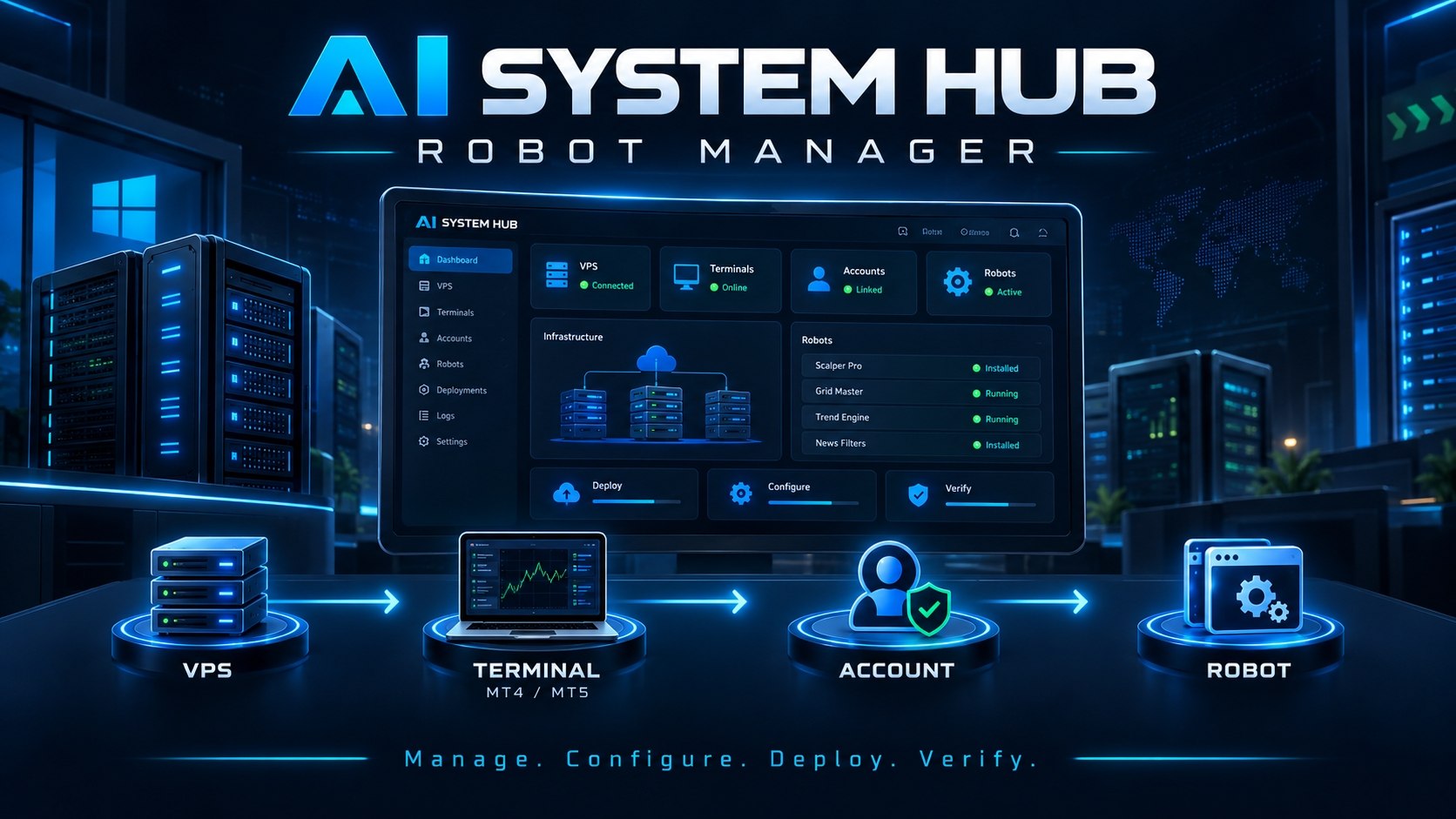
🤖 AI System Hub
Your Robot Manager for VPS,
MT5 & automated robots.
VPS → Terminal → Account → Robot
Manage • Configure • Install • Verify
You stay in control at every step.
Your trading infrastructure
—
Active robots
—
VPS online
—
Ready terminals
Live infrastructure statusLive
Live robot
Your VPS
Quick actions
Live activityLive
My robots
Available robots
Your VPS
Choose the Windows VPS to install this robot on.
Setting things up…
Working out what your robot needs
Select terminal
More than one compatible terminal was found — choose one.
Trading account
Checking what is already signed in on this terminal…
Your password is used once, to sign this account in on the terminal you choose. It is not saved in this browser, and it is never stored by the control plane.
Confirming your trading account
Your VPS is signing in and reporting back what it observes. Nothing is installed until it confirms this exact account.
Licence key
Enter the licence key for this robot. It is checked against your entitlement for this robot. It is not stored in this browser.
Trading Configuration
Choose the configuration to install. Each one states the account currency, the pairs and the timeframe it was built for — those are the requirements we check against your account.
Ready to install?
We checked everything needed before installing.
Install summary
Double-check the account above — installation targets this terminal only.
Licence check
Preparing secure package
Installing
Installing your EA and the configuration you selected.
Verifying installation
Robot ready 🎉
Installation ID: —
An account is connected by logging it into one of your verified MT5 terminals. The password is used once, for that login only, and is never stored by AI System Hub.
Check these first
Still stuck?
Include the screen you were on and what you expected to happen. Never send your trading password, your bot token or any account credential.
Your infrastructure
Security
Notifications
Help
Installation could not be completed
The installation could not be completed.
Reason
No further detail was provided.